YouTube
Pets
Pet Store Tycoon: Pets, Animal Families and Packs
Choose the animal family you want to develop before buying more packs. Pet Store Tycoon pets include Fish and Pocket Pets, with Birds, Cats and Dogs also among the family options. These guides separate identifying animals, gaining access and keeping a pack result.
Choose your next taskFind named fish and Pocket Pets and distinguish them from family labels.
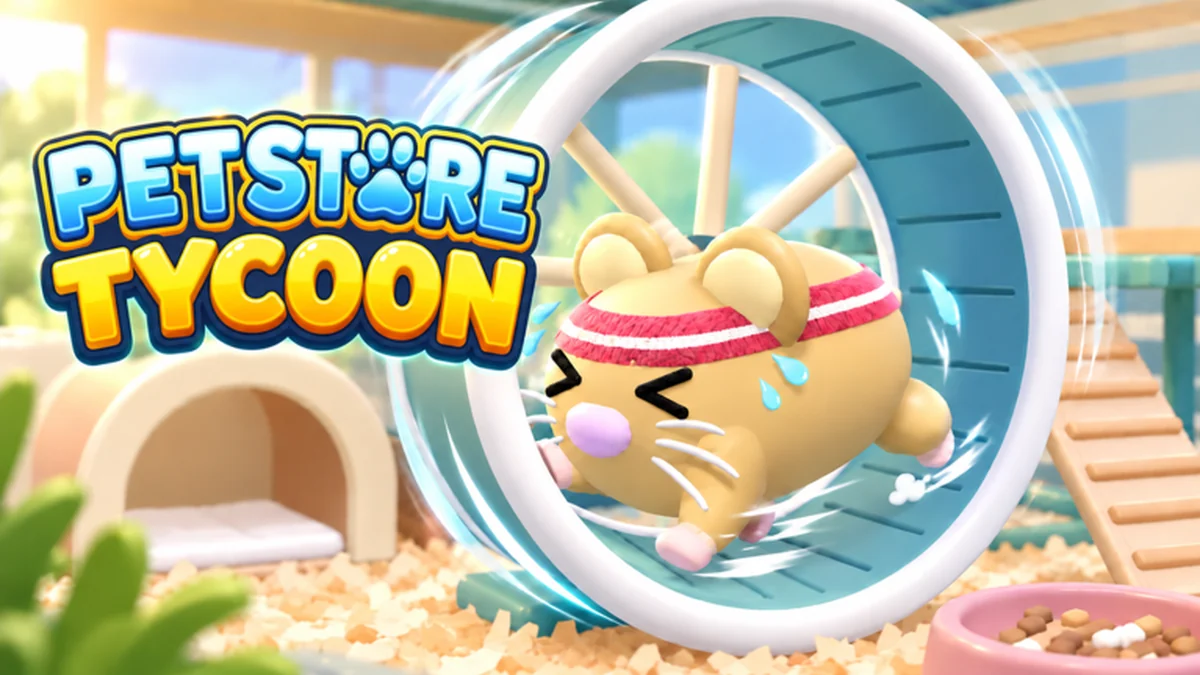
Watch a Pocket Pets section develop
See the habitat and animal options after a shop has progressed beyond its initial fish section.
Separate the family, habitat and pack decisions
Goldfish and Discus are named fish examples, while Hedgehog, Ferret, Hamster and Mouse appear among Pocket Pets. Use the animal list to recognize those names, then the unlock guide to connect progression with an available family and its habitat.
The pack guide covers the fish opening flow: buy, open, keep and place. It also distinguishes regular in-game-money packs from Robux options and explains individual For Sale controls. Plan the enclosure alongside the animals you want, so obtaining a new family leaves you with a usable shop section rather than another pack waiting to be sorted.
Choose the task in front of you
Open the guide that answers the job you want to finish.
I want to browse animals
Find named fish and Pocket Pets and distinguish them from family labels.
Read guideI want another family
Connect progression tasks, available options and the habitat purchase.
Read guideI am about to open a pack
Check its payment type, keep the results and set which pets are for sale.
Read guideA guide to continue with
Open an article for the shop task you want to handle next.
Browse pets guides
Choose an article for its specific task and the part of the shop you are developing.
Guide
Pet Store Tycoon: Animal List and Pet Families
Browse Fish, Pocket Pets, Birds, Cats and Dogs, identify named animals such as Discus and Hamster, and choose a family to develop.
Guide
Pet Store Tycoon: Pet Packs, Keep and For Sale Controls
Open fish packs, compare cash, Robux and reward options, then use individual For Sale switches to keep or sell your new pets.
Guide
Pet Store Tycoon: Unlock Animals and Add Pocket Pets
Separate animal unlocks from habitat and pack purchases, prepare an available family for your shop, and plan your next animal addition.
Continue developing the shop
Pets questions
Is a family name the same as an individual pet?
No. Fish and Pocket Pets are families; Discus and Hamster are named animals within those families.
Does unlocking a family fill its enclosure?
Access, habitat purchase and obtaining animals are separate steps. Prepare the habitat before adding its pets.
Why is my special pack result not selling?
Legendary and Exotic pets start with For Sale off. Inspect enclosure management and switch it on if selling is your goal.
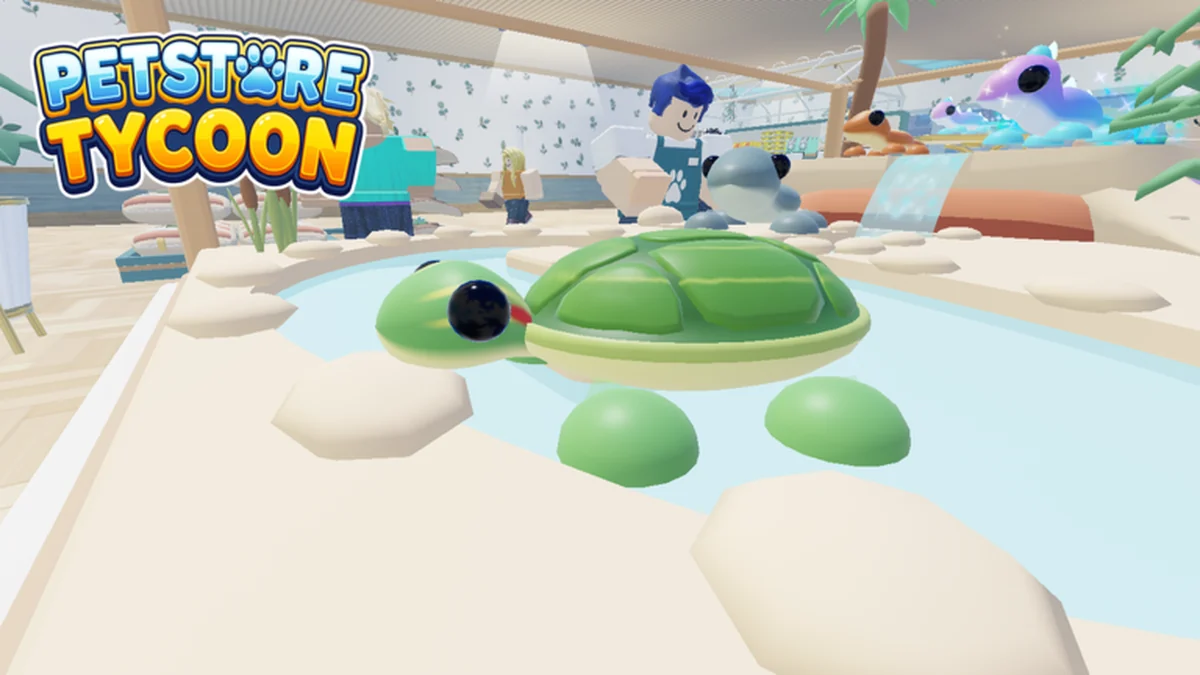
Read the opening steps before your next pack
The pack guide covers currency choices, keeping new arrivals and the sale switches used to retain a particular pet.